Nice job JFT90.
I'll use your implementation
Search found 46 matches
- Sun Sep 24, 2017 6:20 am
- Forum: Open Discussion and Dev Announcements
- Topic: Implementing BGFX as a driver...
- Replies: 42
- Views: 34839
- Sun Oct 13, 2013 10:39 am
- Forum: Beginners Help
- Topic: Which Physics engine
- Replies: 14
- Views: 2370
Re: Which Physics engine
If I remember well, physx can handle joint collisions.
- Sat Sep 28, 2013 9:59 pm
- Forum: Project Announcements
- Topic: Realistic water scene node
- Replies: 255
- Views: 360418
Re: Realistic water scene node
Thanks for the shader  , really nice.
I integrated the technique and the shader in another engine. It works great too.
, really nice.I integrated the technique and the shader in another engine. It works great too.
- Mon Sep 16, 2013 4:05 am
- Forum: Project Announcements
- Topic: SmartBody - a character animation engine for Irrlicht
- Replies: 57
- Views: 39883
Re: SmartBody - a character animation engine for Irrlicht
Amazing, thanks for this.
I'll try to use it.
I'll try to use it.
- Fri Apr 19, 2013 4:19 pm
- Forum: Beginners Help
- Topic: Distortion of model in Irrlicht
- Replies: 6
- Views: 1146
Re: Distortion of model in Irrlicht
It look like a camera deformation maybe FOV ?
- Mon Apr 15, 2013 9:37 pm
- Forum: Advanced Help
- Topic: Loading obj mesh files with 32bit index type
- Replies: 18
- Views: 12685
Re: Loading obj mesh files with 32bit index type
that code works fine for me :
// switch 16 to 32 bits indices type buffer if nb indices > 65535
video::E_INDEX_TYPE indexType = video::EIT_16BIT;
if(nbTriangles*3 > sPow(2,16)-1 /*65535*/ )
{
indexType = video::EIT_32BIT;
}
scene::CDynamicMeshBuffer * buffer = new scene::CDynamicMeshBuffer(video ...
// switch 16 to 32 bits indices type buffer if nb indices > 65535
video::E_INDEX_TYPE indexType = video::EIT_16BIT;
if(nbTriangles*3 > sPow(2,16)-1 /*65535*/ )
{
indexType = video::EIT_32BIT;
}
scene::CDynamicMeshBuffer * buffer = new scene::CDynamicMeshBuffer(video ...
- Sat Mar 23, 2013 5:40 pm
- Forum: Beginners Help
- Topic: Irrlicht 1.8 + Qt5.0.1 + QtCreator
- Replies: 2
- Views: 1529
Re: Irrlicht 1.8 + Qt5.0.1 + QtCreator
in qt5 many things have changed.
now for qaction just include : #include <QAction>
for my project i use qt 5.0.1 and irrlicht 1.8 and it works fine.
now for qaction just include : #include <QAction>
for my project i use qt 5.0.1 and irrlicht 1.8 and it works fine.
- Tue Mar 05, 2013 6:32 am
- Forum: Code Snippets
- Topic: Irrlicht SceneNodes Collection 2012
- Replies: 15
- Views: 8188
Re: Irrlicht SceneNodes Collection 2012
really nice collection, thanks.
to complete : an icosphere :
http://i.imgur.com/ZLMqw8r.png?1
this code adapted for irrlicht come from : http://www.ogre3d.org/tikiwiki/Ogre+Procedural+Geometry+Library (MIT licence ...
to complete : an icosphere :
http://i.imgur.com/ZLMqw8r.png?1
this code adapted for irrlicht come from : http://www.ogre3d.org/tikiwiki/Ogre+Procedural+Geometry+Library (MIT licence ...
- Tue Feb 26, 2013 10:34 pm
- Forum: Project Announcements
- Topic: Particle Engine
- Replies: 31
- Views: 132502
Re: Particle Engine
thanks lot 
- Tue Feb 26, 2013 8:10 pm
- Forum: Project Announcements
- Topic: Particle Engine
- Replies: 31
- Views: 132502
Re: Particle Engine
I am interested in your work, link is broken ?
- Thu Feb 07, 2013 6:47 am
- Forum: Advanced Help
- Topic: Shader glsl to hlsl
- Replies: 2
- Views: 1895
Re: Shader glsl to hlsl
uniform sampler2D sceneTex; // 0
uniform float2 center; // Mouse position
uniform float time; // effect elapsed time
uniform float3 shockParams; // 10.0, 0.8, 0.1
void main
(
float2 Texcoords : TEXCOORD0,
out float4 color0 : COLOR0
)
{
float2 uv = Texcoords.xy;
float2 texCoord = uv;
float dist ...
uniform float2 center; // Mouse position
uniform float time; // effect elapsed time
uniform float3 shockParams; // 10.0, 0.8, 0.1
void main
(
float2 Texcoords : TEXCOORD0,
out float4 color0 : COLOR0
)
{
float2 uv = Texcoords.xy;
float2 texCoord = uv;
float dist ...
- Tue Feb 05, 2013 10:12 pm
- Forum: Code Snippets
- Topic: Irrlicht SceneNodes Collection 2012
- Replies: 15
- Views: 8188
Re: Irrlicht SceneNodes Collection 2012
to continue the collection I've made a simple plan mesh, it's based on the createPlaneMesh code from the GeometryCreator but with a different behaviour :
- user parameters are no more tilesSize and tilesCount, but gridSize and tilesCount, difference is that the gridSize is the dimension of the plan ...
- user parameters are no more tilesSize and tilesCount, but gridSize and tilesCount, difference is that the gridSize is the dimension of the plan ...
- Thu Jan 17, 2013 12:04 am
- Forum: Project Announcements
- Topic: a demotool
- Replies: 2
- Views: 3419
Re: a demotool
ok I'm agree it' not easy to see without tested similar tools.
I'll try to give more explanations :
Each button on 2d grid is called an operator, it contains some piece of code with parameters (like a function and arguments)
when you stack operators, you stack functions, and the result depends of ...
I'll try to give more explanations :
Each button on 2d grid is called an operator, it contains some piece of code with parameters (like a function and arguments)
when you stack operators, you stack functions, and the result depends of ...
- Wed Jan 16, 2013 7:42 pm
- Forum: Project Announcements
- Topic: a demotool
- Replies: 2
- Views: 3419
a demotool
Hi
I've started this new project since 2 month now.
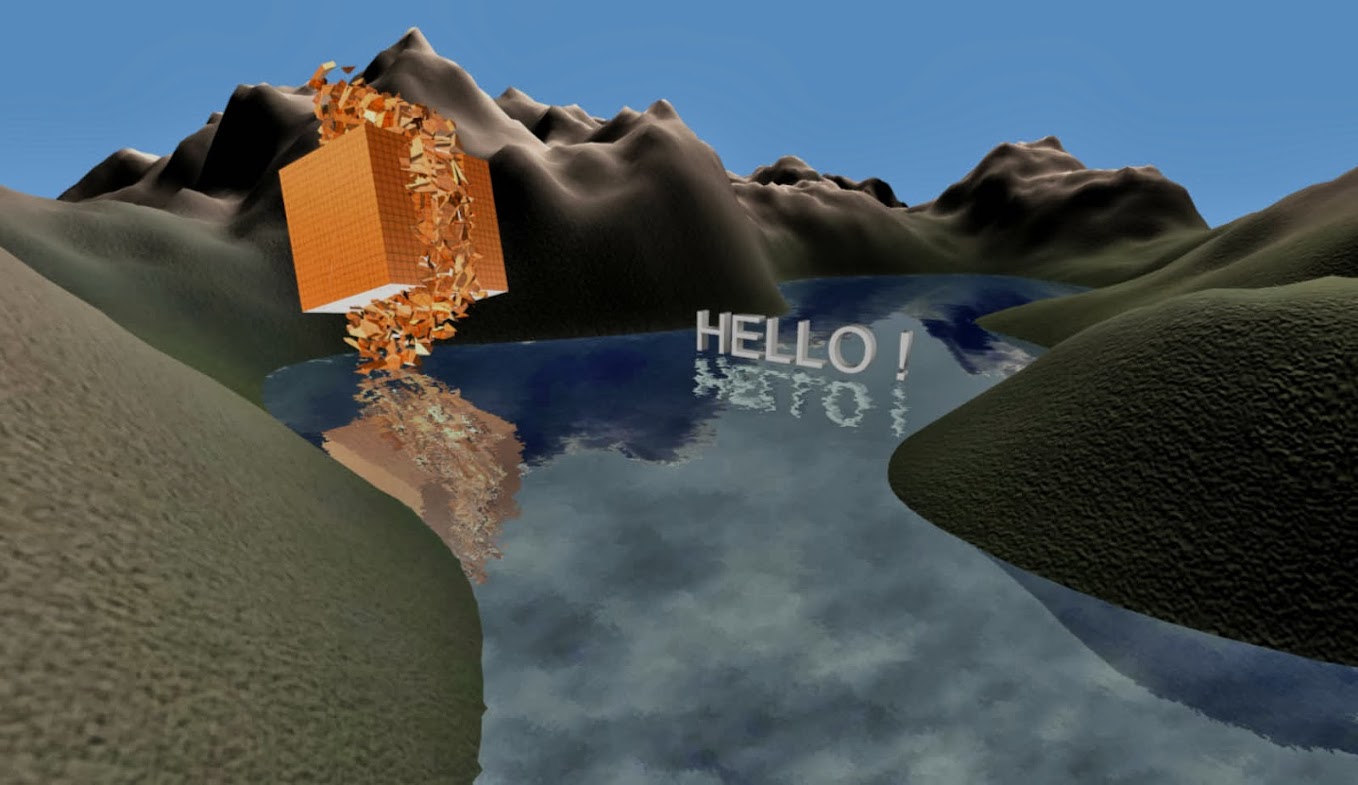
It's a demotool, like werkkzeug, where you stack operators to generate procedural contents (texture, mesh, scenes, animators, shaders, materials, ...) and create animations.
I've worked on werkkzeug4 many month since it's opensource to add new ...
I've started this new project since 2 month now.
It's a demotool, like werkkzeug, where you stack operators to generate procedural contents (texture, mesh, scenes, animators, shaders, materials, ...) and create animations.
I've worked on werkkzeug4 many month since it's opensource to add new ...
- Thu Dec 27, 2012 9:47 pm
- Forum: Project Announcements
- Topic: Realistic water scene node
- Replies: 255
- Views: 360418
Re: Realistic water scene node
Hi
nice water node, works fine, thanks.
to fix opengl shader with 1.8 replace this code in RealisticWater.cpp :
services->setPixelShaderConstant("WaterBump", (float*)(&var0), 1); //the colormap
services->setPixelShaderConstant("RefractionMap", (float*)(&var1), 1); //the colormap
services ...
nice water node, works fine, thanks.
to fix opengl shader with 1.8 replace this code in RealisticWater.cpp :
services->setPixelShaderConstant("WaterBump", (float*)(&var0), 1); //the colormap
services->setPixelShaderConstant("RefractionMap", (float*)(&var1), 1); //the colormap
services ...