But I said to myself, ‘Damn it, this thing doesn’t need a panoramic image; it just needs something to simulate the specular reflection effect...’
Use this texture I found, which is licensed under CC0(4k), color/albedo/diffuse texture:

I created this texture to simulate the effect (I’m releasing it under a CC0 licence, which means you can use it as if it were your own), reflection2layer texture:
The result was unexpected; it was actually quite good:
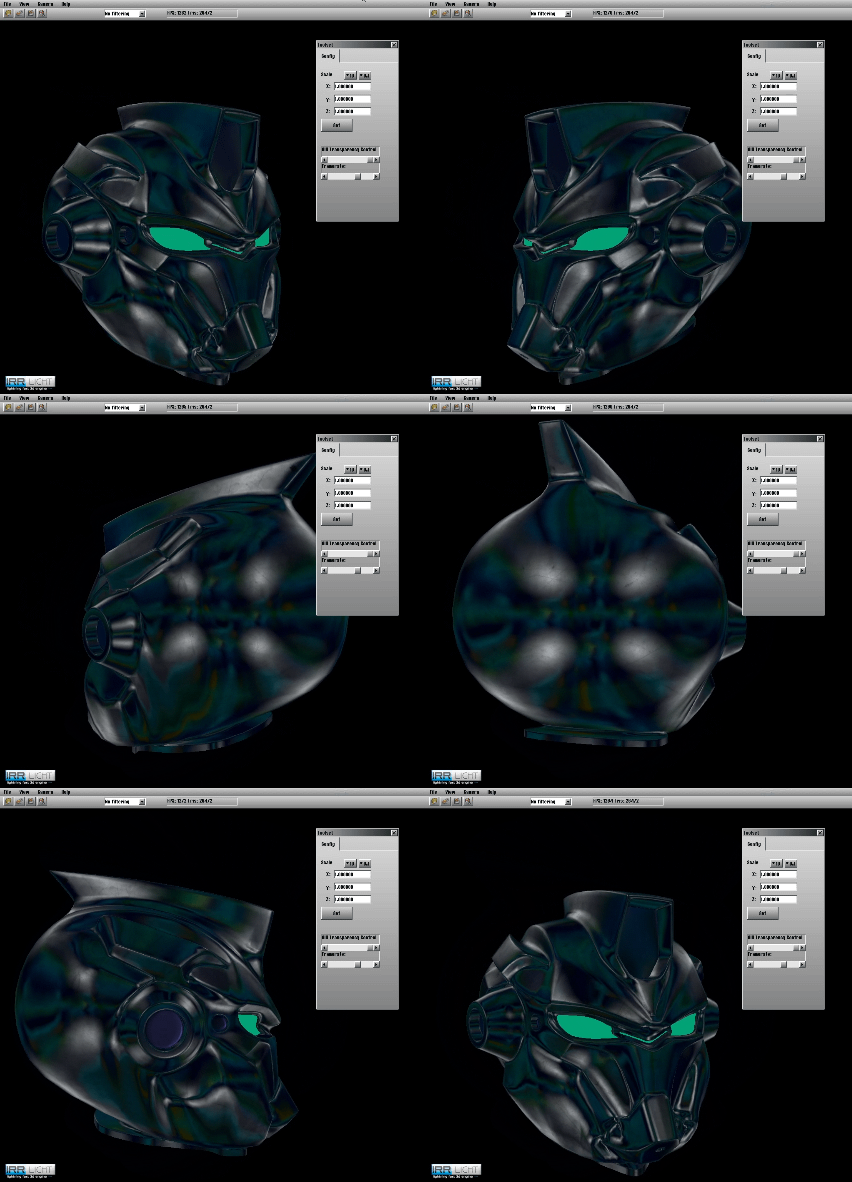
Bear in mind that these graphics can run smoothly on any PC from 20 years ago (Irrlicht is so cheap to run that the 4K texture on my 3D model was practically free).
But you can achieve something similar with a panoramic image, can’t you? Well, no. The problem with using a panoramic image is that when you rotate around the object, the reflection doesn’t seem to change; only if you remain stationary and the object rotates from your perspective will you see the correct reflection. But with this new method, it always works well, even in these circumstances:

So, you can simulate specular reflection – it’s very realistic and inexpensive – but you have to create a reflection2layer for each specific case; for human skin, I’d probably use this(CC0):

Or similarly, for stone I would use the lightFalloff.png texture, which can be found in the ‘media’ folder in Irrlicht:
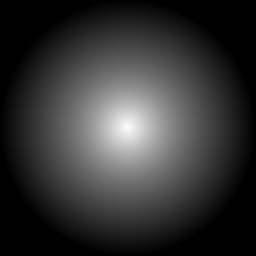
Although I did adjust it so that the texture looks a bit smoother: