New Dustbin Shaders

Post those lines of code you feel like sharing or find what you require for your project here; or simply use them as tutorials.
Post Reply
Brainsaw
Posts: 1247
Joined: Wed Jan 07, 2004 12:57 pm
Location: Bavaria

New Dustbin Shaders

Post by Brainsaw »

Hello,

I have been fiddling around with creating a framework for future games (still work in progress, I hope I can show it off later this year), but I have now enhanced the shaders I use for MarbleGP and wanted to share it.
Image

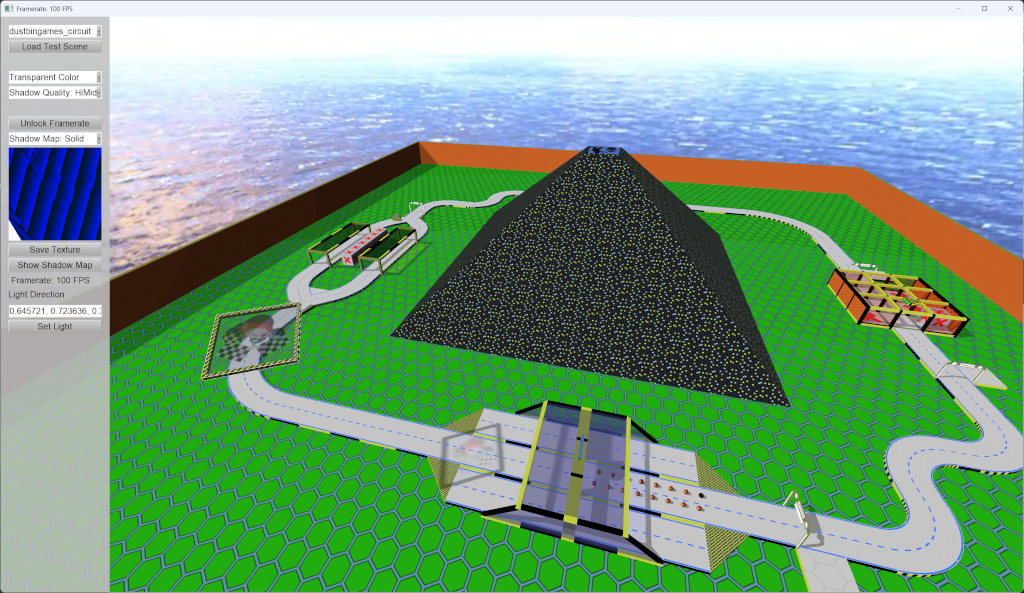
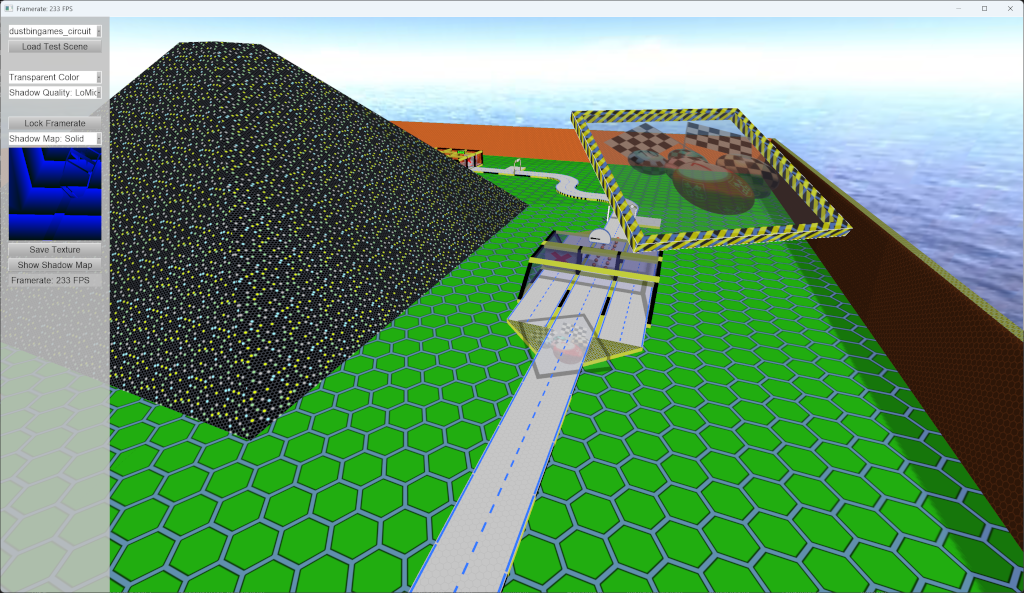
The shader now creates two shadows, one detailed which is close to the camera, and one rough for the object further away (there is one spot in the test scene where you can see that quite well). The shader does also support transparent shadows as seen in the image.
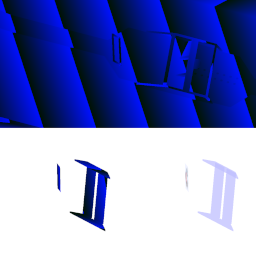
I render two sets of shadow maps (details / rough) with three maps each, i.e. six textures are used for rendering the shadow:
  1. a depth map for the solid shadow
  2. a depth map for the transparent shadow
  3. a color map for the colors of the transparent shadows
There is still one glitch in my test application: if I load a new test scene the main camera turns orthographic, and at the moment I don't know why.

You can download my test application from https://forumdata.dustbin-online.de/DustbinShaders.zip
The project is available on https://sourceforge.net/projects/dustbinshader/

The project for the application is for Visual Studio 2026, and it needs some tweaking before it compiles (like path to the libs... / for the framework I'm going to switch to CMake), it uses Irrlicht trunk from a few months ago.

I hope you like it

Edit: some information on the left side menu for the test application / screenshot
  • on top you have a dropdown where you can load test scenes. All except the default need to be updated though as three textures are used for the road, but now the shader needs 6 textures
  • next is a button to load the selected scene. Note that the camera issue I mentioned above will show
  • then you have a combobox which allows you to select the mode used (shadows with transparent shadow colors, shadows with single color transparent shadows, only solid shadows, off)
  • below that you see another combobox which allows setting the quality of the shadows ("Top": 16384x16384, "High": 8192x8192, "HiMid": 4096x4096, "LoMid": 2048x2048, "Low": 1024x1024, "Poor": 512x512). I am quite happy with "LoMid" on my 4k display
  • The "(un)lock Framerate" button let's you see how good the shaders perform. I have 200+ FPS on my Asus Rog Ally X with the "LoMid" settings
  • The next combobox allows you to see the textures of the shadow maps
  • Then there is a button which saves the currently selected RTT. Note that later saves will overwrite previous
  • The "Show Shadow Map" button gives you a large view of the current shadow map
  • last but not least you can see the current framerate (again)
Image
Dustbin::Games on the web: https://www.dustbin-online.de/
Brainsaw
Posts: 1247
Joined: Wed Jan 07, 2004 12:57 pm
Location: Bavaria

Re: New Dustbin Shaders

Post by Brainsaw »

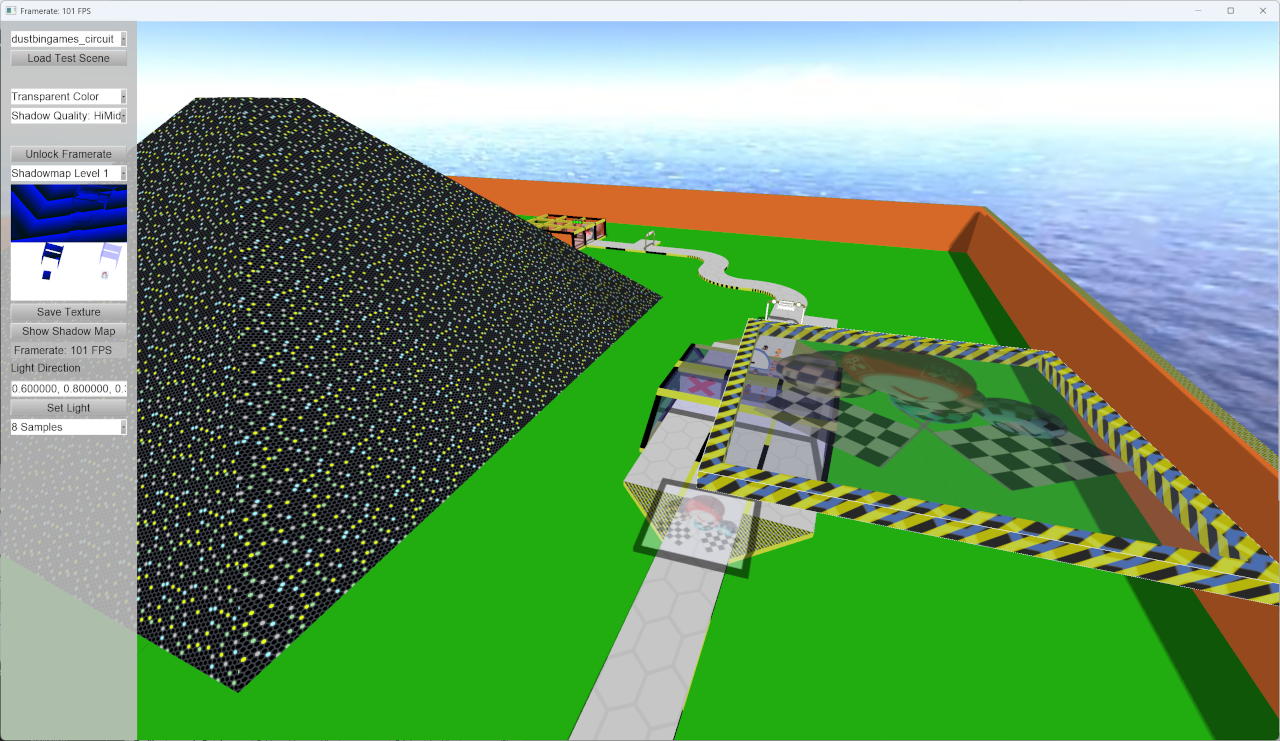
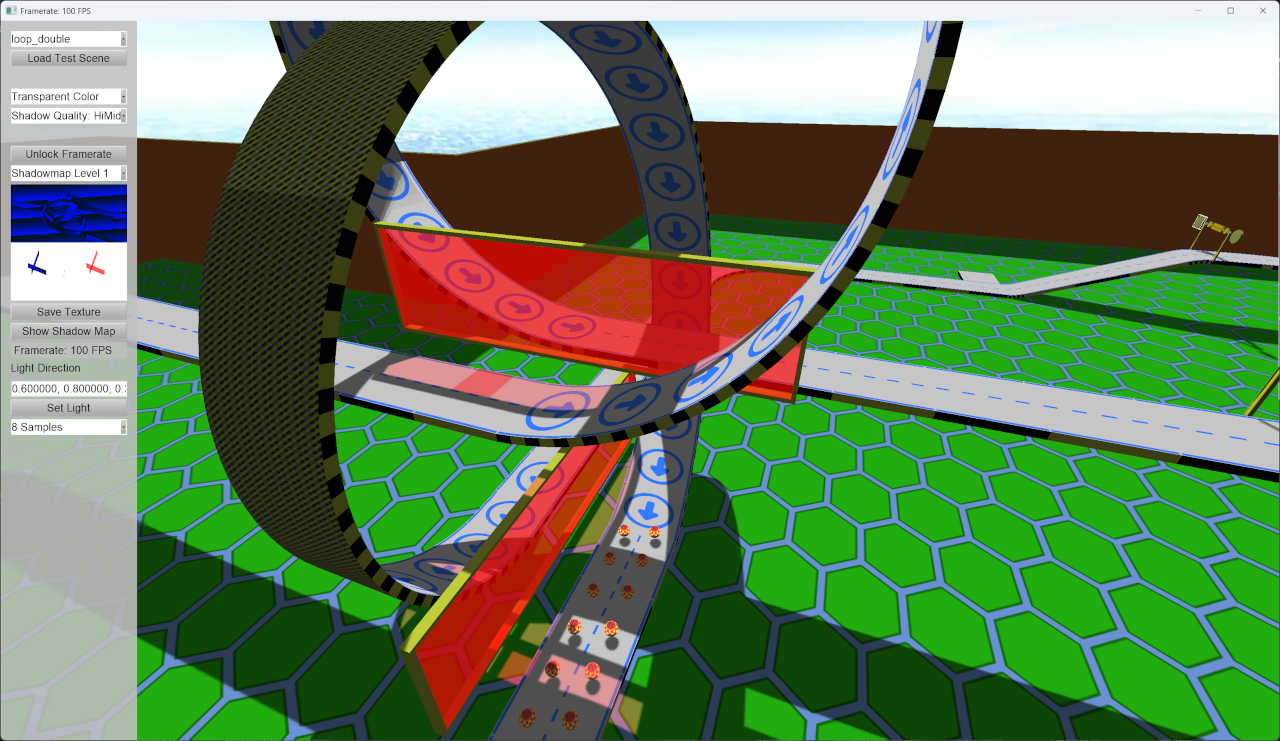
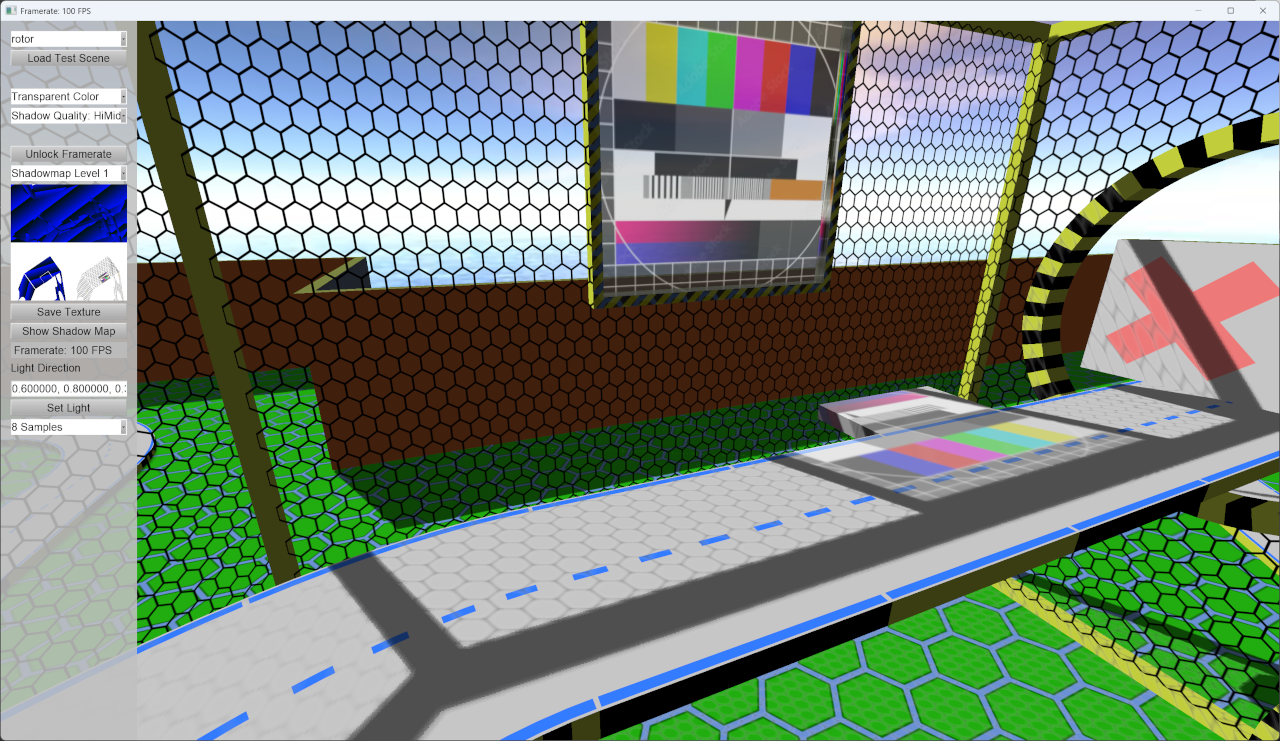
I have made some little updates: first I simplified the code of the RTT generation, and I added an input field to the test application which allows modifying the light direction while the app runs. The download package
Image
Image
Dustbin::Games on the web: https://www.dustbin-online.de/
Noiecity
Posts: 396
Joined: Wed Aug 23, 2023 7:22 pm
Contact:

Re: New Dustbin Shaders

Post by Noiecity »

thanks for sharing
Irrlicht is love, Irrlicht is life, long live to Irrlicht
CuteAlien
Admin
Posts: 10034
Joined: Mon Mar 06, 2006 2:25 pm
Location: Tübingen, Germany
Contact:

Re: New Dustbin Shaders

Post by CuteAlien »

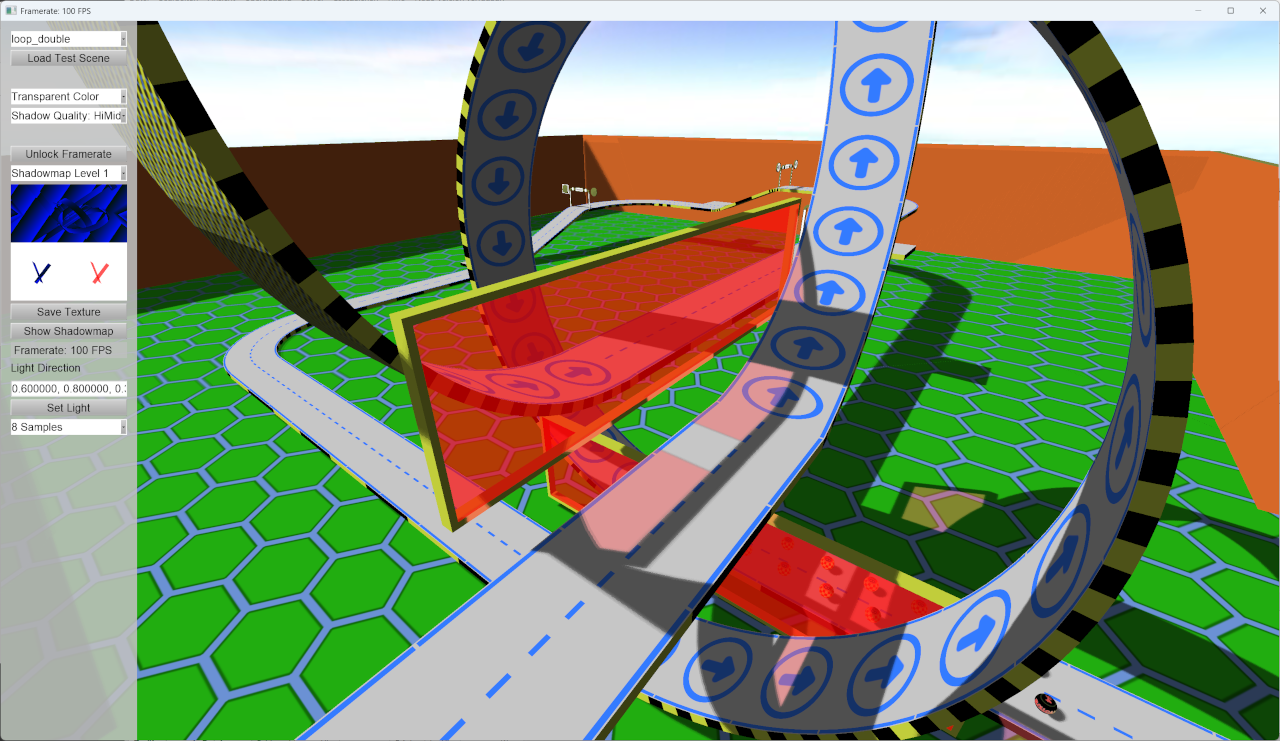
Thanks, the shadows look good. I don't think the camera is orthographic after loading the roads still get smaller in the back. Looks either like very wide fov or maybe some messed up viewport.
IRC: #irrlicht on irc.libera.chat
Code snippet repository: https://github.com/mzeilfelder/irr-playground-micha
Free racer made with Irrlicht: http://www.irrgheist.com/hcraftsource.htm
Brainsaw
Posts: 1247
Joined: Wed Jan 07, 2004 12:57 pm
Location: Bavaria

Re: New Dustbin Shaders

Post by Brainsaw »

Thanks for the hint, I'll debug into it when I have time to

Today I had an idea to improve things: I have started coding a version which uses render target textures with the color format 32Bits for Alpha, Red, Green and Blue each. If things work as I assume I can endode all necessary data into a single teture instead of three: Red for the distance to the non-transparent shadow, Green for the distance to the transparent shadow and Blue for the color of the transparent shadow. This way I could also use three levels of shadows, because at the moment if you move the camera far outside the test scene you see that in the distance the shadow disappears. I'll write another post here if I get it working ;)
Image
Dustbin::Games on the web: https://www.dustbin-online.de/
Post Reply