I have spent some time creating a framework, mainly for myself, and today I finished a project setup wizard which may help a lot. You can find it at https://sourceforge.net/p/dustbinframew ... ster/tree/
It comes with the following:
- It uses "modules" which add functionality for applications. The modules cover e.g. 3d sound (using SFML), fonts (using freetype), a self-hacked localization system, some additional scene nodes (including the "unknown scene node" which can load any scene node - it won't display what's intended, but at least the data is not lost) and physics (using the "Open Dynamics Engine" at the moment)
- It uses JSON files to define a project. There are two files included in the "Scripts/MakeCMakeWizard", "dustbingamesframework.json" tests the compilation of all modules and "dustbineditors" compile a GUI editor and two 3d editors, one with physics and one without
- There is a main class which just runs commands (more on that later)
- Inside the main class there is a "Data Hub" which gives access to all important object instances and creates the Irrlicht device. By default it uses OpenGL, but it's not complicated to create another data hub which uses some different settings, an instance of this new hub must then be added to the main class before the hub is called
- When a new project is created some code is automatically added, one cpp file which contains the "main" function and can be modified and one cpp file which contains code to initialize modules (some of them need initialization, e.g. factory registration)
- The functionality of the apps is encapsulated in "Command" classes. These commands may or may not handle Irrlicht events and can implement a function which is called for every frame
- There is a command stack in the main class which can contain multiple commands, and they communicate using messages from auto-generated code (although this needs some rework). The idea is to split the application into commands depending on the functionality, e.g. the UI of a game is in another class than the work, and they don't know anything of each other but just send and receive messages. This way one can easily replace the UI depending e.g. on player choice
- The framework itself comes with a GUI editor and two Scene editors, one with and one without physics. One of my ideas is to create two scene editors per game, one for the developers and one which can be published with limited funcationality, e.g. no option to modify the cars in a racing game
- The whole thing is licensed under the terms of the ZLib license
One set of "modules" I want to include soon is for the Steam libraries, Steam Input seems interesting, and I just entered the waiting list for the Steam Frame, so I want to add a module for VR as well (and Google AI says it's not too complicated)
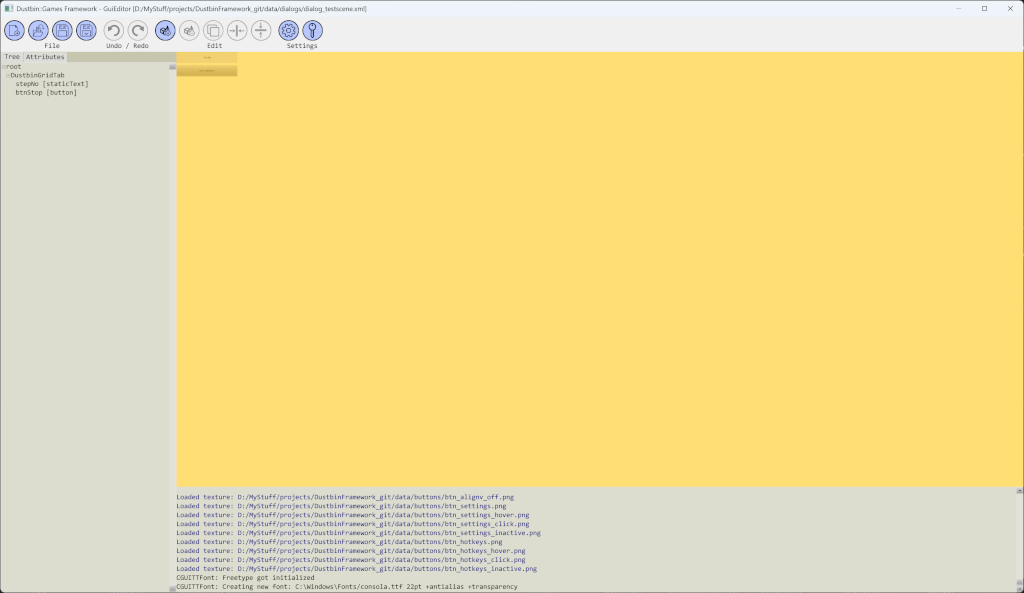
Here is a screenshot of the GUI editor (not spectacular, I know)
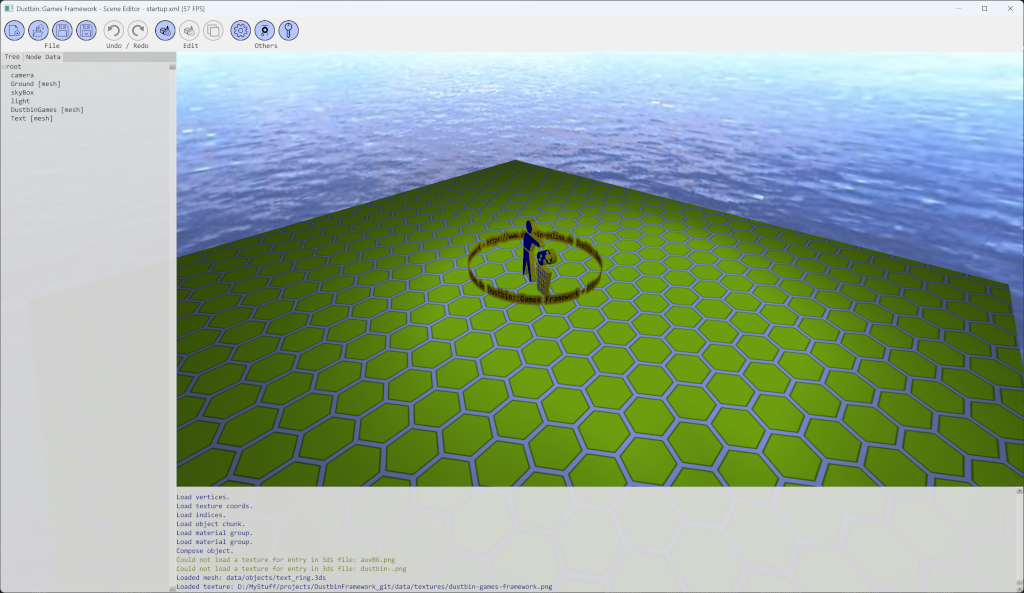
And a screenshot of the scene editor
What do you think of this?

 , mainly for me as a test on how it works out, and as a demo of course.